
Read time: 7 min
Moving your website to a Content Delivery Network (CDN) is usually a smart move for performance and scalability. However, Google has warned that the migration process can create unexpected SEO problems if not handled carefully.
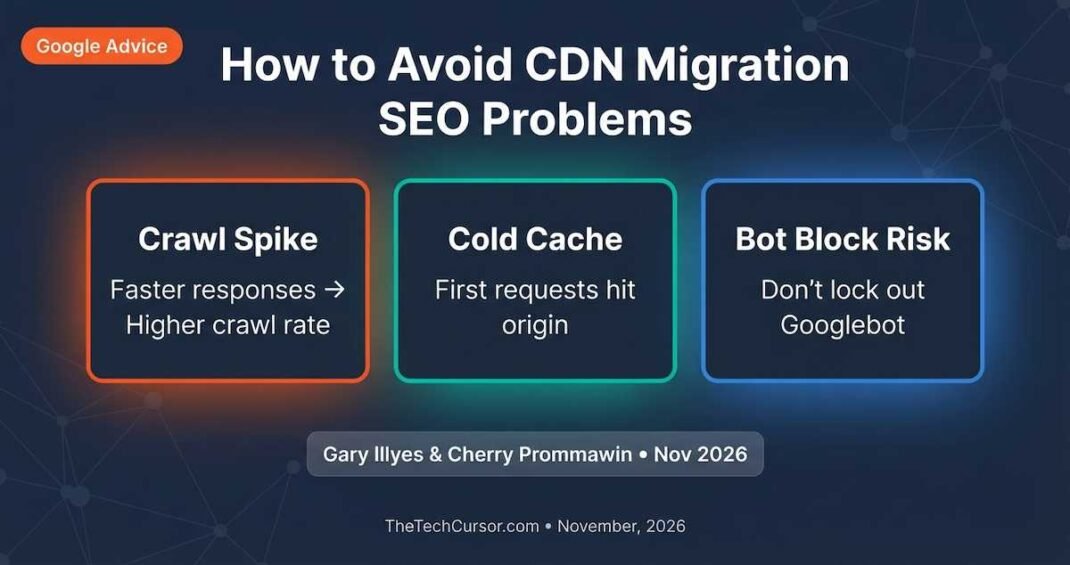
In a recent explanation from Googlers Gary Illyes and Cherry Prommawin, Google outlined why CDN migrations sometimes backfire and how site owners can avoid common pitfalls.
Why Moving to a CDN Can Cause SEO Issues
Two main problems can appear right after switching to a CDN:
- A sudden increase in Googlebot crawling that overwhelms the origin server
- Accidental blocking of Googlebot through aggressive bot protection settings
Both issues can temporarily hurt crawlability and, in worst cases, lead to pages dropping from the index.
Problem 1: Sudden Crawl Rate Increase
When a site moves behind a CDN, response times usually become much faster. Google’s crawlers interpret faster responses as a signal that the site can handle more traffic, so they gradually increase the crawl rate.
The problem is that a brand-new CDN starts with an empty (cold) cache.
- The first request for every unique URL is a cache miss
- That request goes straight to the origin server
- Until the cache is populated, the origin still does most of the heavy lifting
Gary Illyes described it clearly:
“CDNs take the valve off the hose, so now crawlers are drinking from a fire hose.”
This combination of higher crawl demand + cold cache can overload the origin server in the early days of the migration.
Problem 2: Accidentally Blocking Googlebot
When site administrators see a sudden spike in automated traffic, they often panic and enable strict bot protection (such as blanket CAPTCHA or “block all bots” rules) in their CDN dashboard.
Because Googlebot cannot solve CAPTCHAs, it gets blocked. Prolonged blocking can cause Google to start dropping pages from the search index.
Google’s Recommended Solutions
Google recommends three practical steps:
- Pre-warm the CDN cache before fully switching traffic
- Allow verified crawlers (whitelist Googlebot and other trusted bots)
- Use temporary 429 or 503 status codes only if the origin needs a short break
How to Pre-Warm Your CDN Cache
Before pointing all traffic (and crawlers) to the new CDN:
- Programmatically fetch your most important URLs through the CDN
- Prioritize high-traffic pages, frequently crawled pages, and upcoming campaign/seasonal pages
- Do this at a controlled pace so the edge caches fill up gradually
This ensures that when Googlebot ramps up crawling, many of the requests can already be served from the cache instead of hitting the origin.
Best Practices During CDN Migration
- Configure your CDN/WAF to allow verified bots using Google’s published IP ranges
- Avoid blanket “block all bots” or CAPTCHA rules without exemptions
- Monitor origin server load and crawl stats closely in the first days after migration
- If the origin is struggling, temporarily return 429 (Too Many Requests) or 503 (Service Unavailable) for a short period (hours to 1–2 days maximum)
- Never use hard 403 blocks against Googlebot
Bottom Line
A CDN is excellent for long-term performance, but the migration itself requires careful planning. The biggest risks come from cold caches + increased crawl rate, and from overzealous bot protection that accidentally locks out Googlebot.
By pre-warming the cache and properly allowing verified crawlers, you can enjoy the benefits of a CDN without the SEO headaches.