
Published: July 10, 2026
Read time: 5 min
For the first time, Google Search Console is giving you data on content you publish on platforms you do not own. On July 7, 2026, Google launched Platform Properties — a new feature that lets you track how your Instagram, TikTok, X, and YouTube content performs in Google Search, including which search queries are driving people to your social posts and videos.
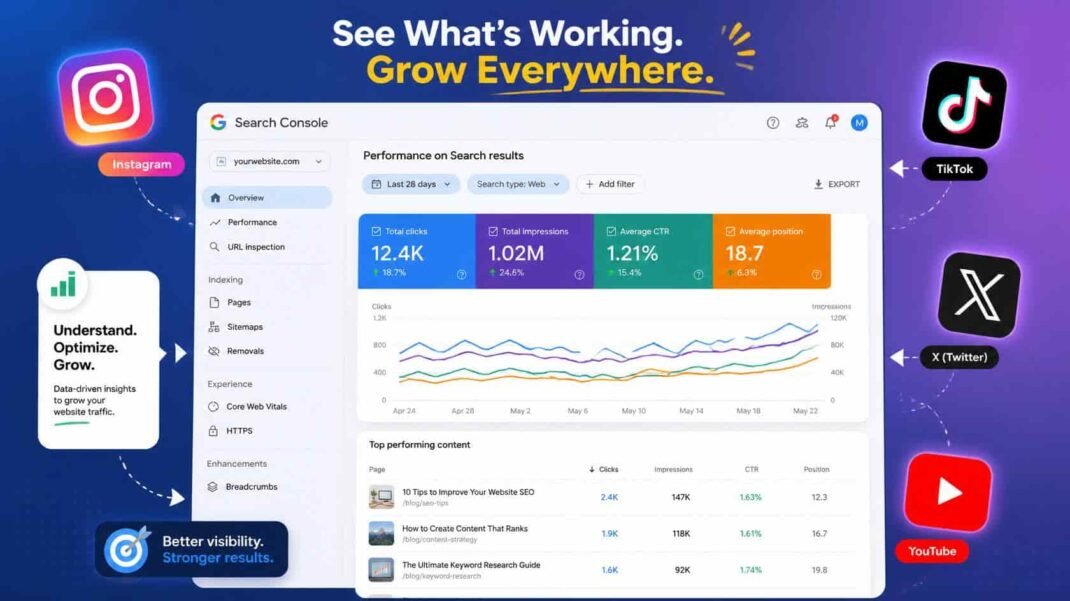
This is a genuinely significant addition to the Search Console toolkit. Previously, there was no reliable way to see how your content on third-party platforms performed in search. That gap is now closed.
Table of Contents
- What Google Just Launched
- Why This Is a Big Deal
- What You Can See in Each Report
- How to Set It Up Right Now
- Slow Rollout — What to Expect
- How This Connects to Your SEO Strategy
- Bottom Line
1. What Google Just Launched
Google Search Console’s new Platform Properties feature allows you to verify and connect your accounts on four platforms:
- TikTok
- X (formerly Twitter)
- YouTube
Once connected, your Search Console performance data extends beyond your own website to include how your content on these platforms appears and performs in Google Search results.
Google described it directly: “Now, you can easily track which search terms lead people to your Instagram, TikTok, X and YouTube content on Search, and see exactly how your audience is interacting with your posts.”
2. Why This Is a Big Deal
Until now, Google Search Console only provided performance data for domains and properties you control — your own website. If your brand published content on TikTok or Instagram and that content ranked in Google Search, you had no native way to see which queries were driving that visibility or how many people were clicking through.
This mattered because social and video content from these platforms is increasingly visible in Google Search results. TikTok videos appear in Google search results for countless queries. YouTube videos rank for tutorials, reviews, and how-to searches. Instagram posts appear for brand and product searches. X posts surface for news and real-time event queries.
Brands have been publishing content on all four platforms without any Search Console-level data on how that content was performing in the most important search engine in the world. Platform Properties fixes that.
Furthermore, this connects directly to the broader shift in how AI search evaluates brand visibility. As covered in TheTechCursor’s recent article on brand usage vs citation in AI search, social platform content — particularly from Reddit, YouTube, and TikTok — is heavily drawn on by AI systems when generating responses. Understanding which of your social content performs in Google Search is now also a proxy for understanding which content AI systems are most likely to encounter and use.
3. What You Can See in Each Report
Platform Properties give you access to three reporting areas within Search Console:
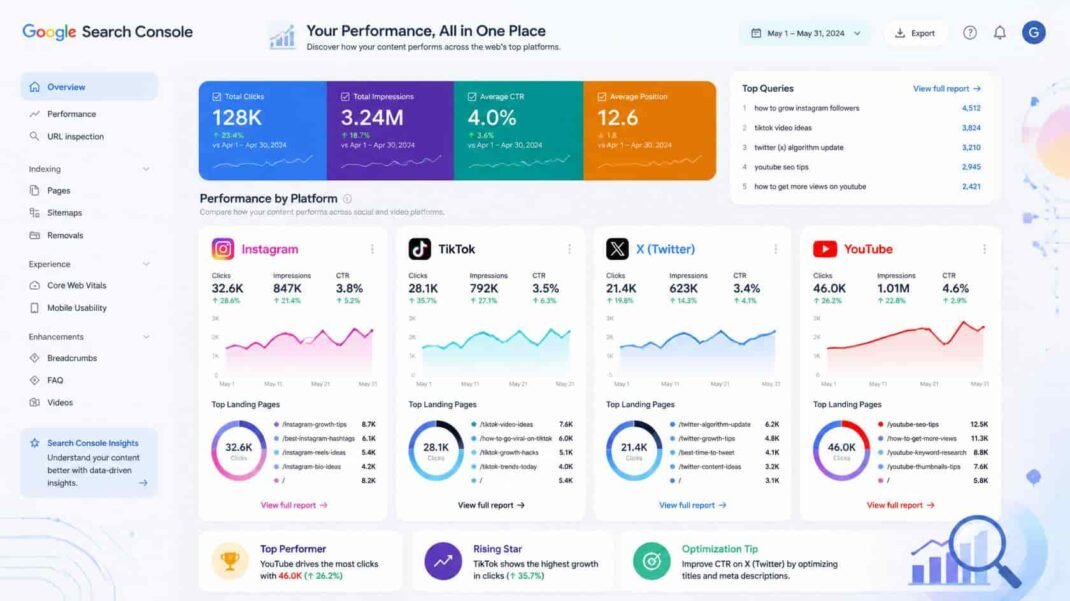
Performance Report: The same performance report you use for your website — but now for your social content. You can see:
- Total clicks from Google Search to your platform content
- Total impressions in Google Search
- Additional engagement metrics
- Which specific posts are driving the most traffic
- Which search queries are leading users to your content
- Data can be exported for analysis in external tools
Insights Report: A high-level overview focused on trends and discovery patterns:
- Recent traffic trends for your platform content
- Top-performing posts across the connected platform
- How people are discovering your account through Google Search
Achievements: A milestone tracking feature that lets you monitor growth over time:
- Reach new thresholds for total clicks from Google Search
- Track 28-day performance benchmarks
- Celebrate meaningful growth milestones
4. How to Set It Up Right Now
Setting up Platform Properties takes just a few minutes. Here is the step-by-step process:
Step 1: Open Google Search Console at search.google.com/search-console
Step 2: Go to the Search Console verification page — or open the property selector dropdown anywhere in Search Console and click “Add property”
Step 3: Select one of the four available platforms:
- TikTok
- X
- YouTube
Step 4: Follow the onscreen verification steps to securely authorize the connection between your Search Console account and your platform account
Once verified, your platform content will appear in the Performance, Insights, and Achievements sections of Search Console — alongside your existing website data.
Important: Each platform requires separate verification. If you want data for all four platforms, you will need to complete the verification process four times.
5. Slow Rollout — What to Expect
Google has confirmed that Platform Properties will roll out gradually over the coming weeks. If you do not see the feature in your Search Console account yet, this is expected — it is not a setup error on your part.
Check your account regularly over the next few weeks. The feature will appear in the property selector dropdown once it is available for your account. Google’s help center documentation on Platform Properties is already live if you want to prepare before your account gains access.
6. How This Connects to Your SEO Strategy
Platform Properties is not just a social media analytics feature — it has direct implications for SEO strategy in 2026.
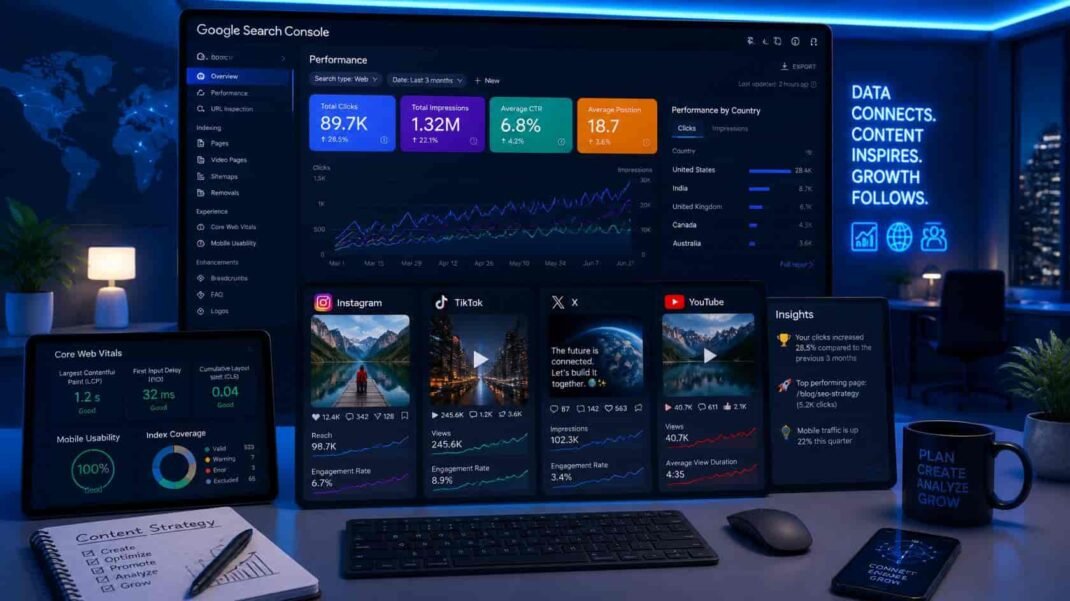
Understanding your full search footprint. Your brand’s visibility in Google Search now extends far beyond your website. Social and video content from platforms you do not own is appearing in search results and driving clicks — and until now, you had no visibility into which content, which queries, or which volume. Platform Properties closes that data gap entirely.
Identifying high-performing content formats. Which TikTok videos are ranking in Google Search? Which YouTube content is driving search traffic? Which Instagram posts appear for branded queries? The answers to these questions reveal which content formats Google considers most relevant for different query types — which should directly inform your content production decisions.
Connecting social and search strategy. For most marketing teams, social media strategy and SEO strategy operate separately. Platform Properties creates a direct data connection between them — showing where social content is already performing in search and where there are opportunities to strengthen that performance through better optimization of captions, titles, and descriptions on each platform.
AI search implications. As covered across TheTechCursor’s AI search series, the platforms most heavily drawn on by AI systems include YouTube and social platforms. Understanding which of your content on these platforms performs in Google Search gives you a proxy signal for which content is most likely to be encountered and used by AI systems generating responses about your brand and topics.
7. Bottom Line
Google Search Console’s Platform Properties feature is one of the most practically useful additions to the Search Console toolkit in years. For the first time, you can see exactly how your Instagram, TikTok, X, and YouTube content performs in Google Search — including which queries are driving traffic to your platform content and which posts are your top performers.
The rollout is gradual, so not every account has access yet. However, the setup is straightforward — and the data it provides will be valuable for any brand with a meaningful presence on these platforms.
Check your Search Console account today. If the feature is available, verify your platform accounts and start building a complete picture of your brand’s Google Search performance — across your website and every social platform where you publish.