
Category: Google Analytics | Tag Management | Digital Marketing | Google Ads
Read time: 6 min
Table of Contents
- What Google Just Changed
- The Unification — One Platform Instead of Two
- No-Code Event Tracking — The Biggest Practical Change
- What Events You Can Now Track Without a Developer
- How This Affects Your Google Ads and GA4 Setup
- What You Need to Do Right Now
- Who Benefits Most From This Update
- Bottom Line
Google has made a significant change to how marketers implement and manage tracking — and it removes one of the most persistent frustrations in digital marketing: needing a developer to track basic user interactions.
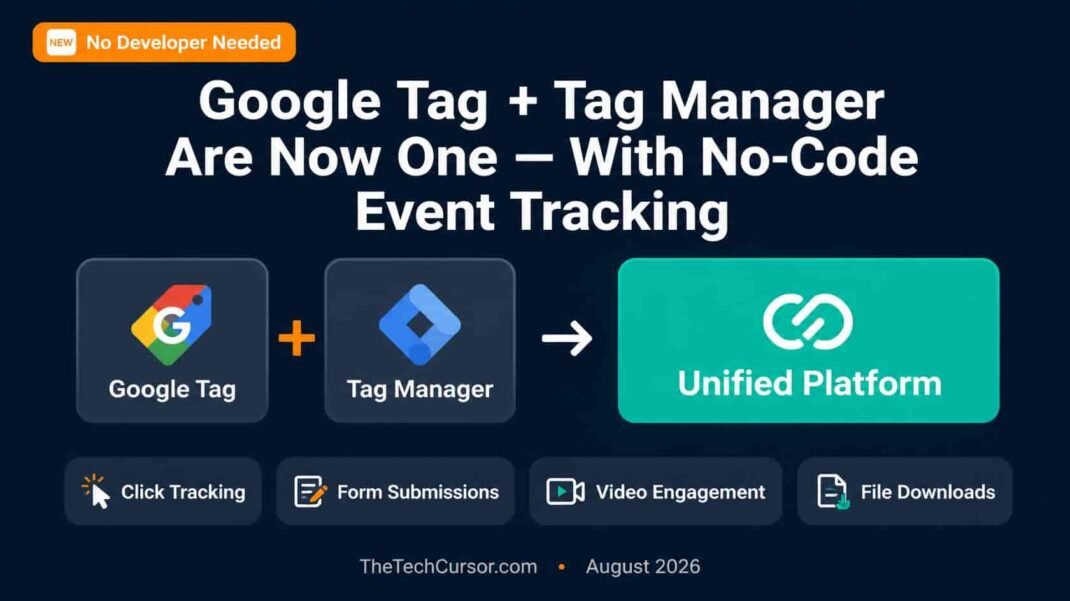
Google has unified Google Tag and Google Tag Manager into a single platform, and has added no-code event tracking that allows marketers to set up conversion and behaviour tracking without writing a single line of code or filing a single developer ticket.
For marketing teams that have been waiting days or weeks for developer resources to implement basic tracking changes, this is a meaningful upgrade.
1. What Google Just Changed
Google announced two related changes simultaneously:
First: Google Tag and Google Tag Manager — previously two separate products with overlapping functionality — are now unified into a single platform. The separation between the two has been a source of confusion for years. That confusion is now resolved.
Second: Within this unified platform, Google has added no-code event tracking — the ability to create event tracking configurations through a visual interface without requiring custom HTML or JavaScript tags.
Together, these changes reduce the technical barrier to implementing tracking significantly — and reduce the dependency on developer resources for routine tracking tasks.
2. The Unification — One Platform Instead of Two
What Google Tag was: Google Tag (formerly known as gtag.js) was a direct-implementation tagging solution. You placed a single JavaScript snippet on your site and configured events through code. It was simpler to implement initially but required code changes for every new event or configuration update.
What Google Tag Manager was: Google Tag Manager was a tag management system — a container that allowed you to deploy and manage multiple tags through a web interface without repeated code deployments. More powerful and flexible, but with a steeper learning curve.
What the unified platform is: The new unified platform combines both approaches. You implement a single container tag on your site — once — and then manage all tracking configurations, events, and tags through a web interface. The distinction between “Google Tag” and “Google Tag Manager” as separate products is being retired in favour of a single coherent experience.
For users who were already using Google Tag Manager, the change is evolutionary rather than disruptive — the core Tag Manager functionality is preserved and enhanced. For users who were using standalone Google Tag, the change brings access to Tag Manager’s interface and flexibility without requiring a full migration.
3. No-Code Event Tracking — The Biggest Practical Change
The no-code event tracking addition is the most immediately impactful element of this update for most marketing teams.
Previously, tracking specific user interactions — button clicks, form submissions, scroll depth, video plays, file downloads — required either:
- Custom JavaScript event code deployed through Tag Manager by someone with technical knowledge
- Developer implementation of dataLayer pushes
- Third-party tools that charge for the no-code functionality Google is now providing natively
Now, these common events can be configured through a visual point-and-click interface within the unified Tag platform — no code required, no developer ticket needed.
The interface allows marketers to:
- Select the type of interaction to track (click, form submit, page scroll, video engagement, etc.)
- Point to the specific element on the page to track (using a visual element selector)
- Configure what data to capture and how to label the event in GA4
- Preview and validate the configuration before publishing
For marketing teams that have ever written “track button click on homepage CTA” in a developer ticket and waited three weeks for implementation, this is a significant change to how quickly tracking can be set up and iterated.
4. What Events You Can Now Track Without a Developer
The no-code event tracking covers the most common tracking requirements for most marketing teams:
Click tracking: Track clicks on specific buttons, links, images, or any clickable element — without custom code. Select the element visually, configure the event name, and publish.
Form submission tracking: Track form completions without requiring developers to add dataLayer code to form submission handlers. This is particularly valuable for teams managing lead generation campaigns where form submission is the primary conversion action.
Scroll depth tracking: Track how far down a page users scroll — useful for measuring content engagement and identifying where users drop off on long-form content pages.
Video engagement tracking: Track video plays, pauses, completions, and percentage-watched milestones for YouTube embeds and other video players.
File download tracking: Track when users download PDFs, whitepapers, case studies, or other files — without custom implementation.
Outbound link tracking: Track when users click links that take them off your site — useful for affiliate tracking, partner referrals, and understanding exit behaviour.
For most B2B and e-commerce teams, these six event types cover the majority of routine tracking requirements that previously created developer dependencies.
5. How This Affects Your Google Ads and GA4 Setup
The practical impact of this update on Google Ads and GA4 performance depends on your current tracking setup.
If you have tracking gaps: Many Google Ads accounts run with incomplete conversion tracking — particularly for micro-conversions like content engagement, video views, and PDF downloads that indicate purchase intent but are not direct lead submissions. The no-code event tracking makes filling these gaps significantly faster and cheaper.
As covered in TheTechCursor’s article on Google Ads lead quality, the quality of your conversion data directly determines the quality of Smart Bidding’s optimization. Events that were previously untracked due to developer bottlenecks can now be implemented quickly — improving the signal quality available to both GA4 analytics and Google Ads bidding.
If your tracking is already comprehensive: The unification simplifies ongoing management. A single interface for all tag and event management reduces the operational complexity of maintaining tracking across multiple tools.
For Google Ads conversion actions specifically: No-code event tracking creates events in GA4. Those GA4 events can then be imported as Google Ads conversion actions through the existing GA4-to-Google Ads import workflow. The no-code tracking reduces the implementation time for new conversion actions — but the import workflow itself remains unchanged.
6. What You Need to Do Right Now
Audit your current tracking gaps: Review your GA4 implementation and Google Ads conversion actions. Identify events that would be valuable to track but currently are not — due to developer resource constraints, implementation complexity, or cost. These are your priority targets for no-code event implementation.
Common gaps worth addressing immediately:
- CTA button clicks that precede form submissions (micro-conversion tracking)
- Content engagement signals — scroll depth on key pages, PDF downloads
- Video engagement for product demos or explainer videos
- Outbound clicks to partner or booking platforms
Check your Tag Manager setup: If you are currently using Google Tag Manager and Google Tag separately, review Google’s migration guidance for consolidating into the unified platform. Google is handling much of this migration automatically, but verifying your setup is complete is worthwhile.
Test before publishing: No-code event tracking includes a preview mode that allows you to validate that events fire correctly before publishing changes to production. Always use this — a misconfigured event that does not fire is preferable to a misconfigured event that fires incorrectly and corrupts your data.
Document your event taxonomy: As you add new events using no-code tracking, maintain a documented event taxonomy — a list of all events, what they measure, and how they are named in GA4. Without documentation, tracking implementations become difficult to maintain and audit over time.
7. Who Benefits Most From This Update
Small marketing teams without dedicated technical resources: The teams that benefit most are those who have been constrained by developer availability for basic tracking tasks. No-code event tracking removes that constraint for the most common tracking requirements.
Agencies managing multiple client accounts: For agencies, the ability to implement and iterate on tracking configurations without developer support across multiple client accounts represents a significant operational efficiency improvement.
E-commerce teams: E-commerce tracking requirements are often extensive — product views, add-to-cart events, checkout steps, purchase confirmation. No-code tracking accelerates the implementation of the full e-commerce event funnel without requiring custom development for each step.
B2B lead generation teams: As covered in TheTechCursor’s Google Ads lead quality article, B2B advertisers who use funnel-stage conversion tracking — tracking MQL, SQL, and closed/won events separately — benefit from faster implementation of the intermediate tracking events that feed offline conversion data into Google Ads.
8. Bottom Line
Google’s unification of Google Tag and Tag Manager, combined with no-code event tracking, removes two of the most persistent friction points in marketing analytics implementation: platform confusion and developer dependency.
For teams with tracking gaps — which is most teams — this update provides the fastest path to comprehensive event tracking ever available natively within Google’s platform.
Audit your tracking gaps. Implement the highest-priority events using no-code tracking. Validate with preview mode before publishing. And document your event taxonomy so you can maintain what you build.
The data quality improvements that come from closing tracking gaps compound across every system that depends on that data — GA4 analysis, Google Ads Smart Bidding, attribution modelling, and every other tool that relies on accurate measurement of user behaviour.
Better tracking is better marketing. This update makes better tracking significantly more accessible.